6 min read
Tripo alternative for product photos: easyrender
A fair Tripo alternative for turning one product photo into a 3D model, with sourced inputs, credit costs and formats, and who should pick each tool.
On this page
If you need a Tripo alternative for one product photo, easyrender draws a free nine-view angle sheet from it and charges per model only when you build. Tripo is broader: text, image and multiview input, PBR textures, quad meshes, rigging, animation and format conversion. Choose by your input and by what the model is for.
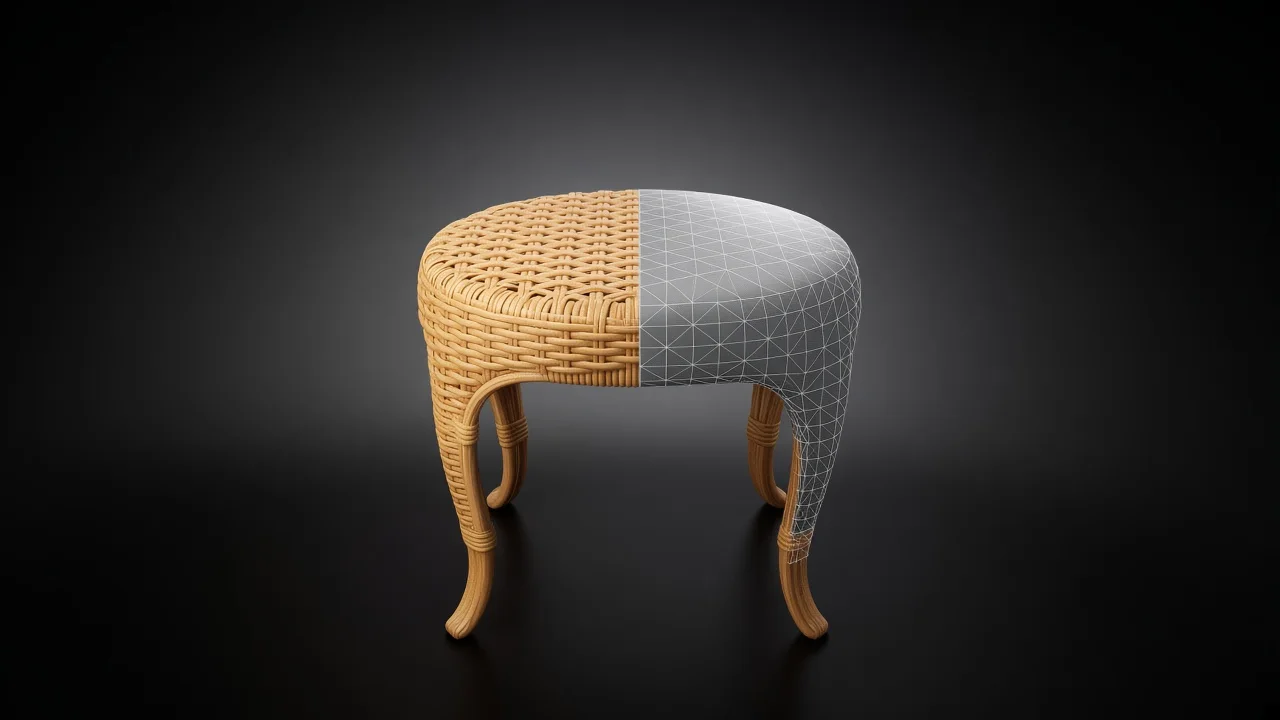
How do Tripo and easyrender compare?
Both are AI image-to-3D tools. The table sets their public facts side by side, as listed in November 2026. Tripo's figures come from its developer platform, because its consumer pricing page would not load for us.
| Tripo (API) | easyrender | |
|---|---|---|
| Input | Text, one image, or two to four views with the front required | One photo, plus an optional short note |
| Preview | A rendered preview image returned with the model | Free nine-view angle sheet, before any credits |
| Cost of an image-to-3D model | 30 credits with standard texture, at 1 credit = ¥0.07 | 64 credits ($0.64) |
| Failed tasks | Not charged | Credits go back to your balance |
| Downloads | GLB by default; FBX with quad meshes; conversion to GLTF, FBX, USDZ, OBJ | GLB and USDZ |
| Extras | Rigging, animation retargeting, retopology, segmentation, smart low-poly | Bulk upload from your library |
| For developers | REST API with credit balance | MCP server and REST API |
Sources: Tripo API introduction, image to model, multiview to model, v3.1 model page, API pricing, billing and format conversion, all read on 11 November 2026. easyrender figures are from our pricing page.
Tripo's web app plans are on tripo3d.ai, which returned an error each time we tried to read it. Check its plans and licence terms there before you subscribe.
How does Tripo work?
Tripo's generation comes in an H Series and a P Series, and its v3.1 model takes "text prompts, single images, and multiview inputs natively". Image input takes PNG, JPEG or WebP up to 20 MB, and the docs recommend at least 256 by 256 pixels.
Multiview is where Tripo stands out. You send at least two views from front, left, back and right, and the front cannot be left out. The docs ask that "all images should depict the same object under consistent lighting."
The settings are built for production work. PBR textures are on by default. Quad meshes switch the output to FBX, a face limit caps the polygon count, and smart low-poly topology is an option. After that, the API can rig a model, retarget animations to it and convert it to GLTF, FBX, USDZ or OBJ.
Costs are listed per task in credits. Text to 3D with standard texture is 20 credits, image to 3D 30, auto rigging 25, and each animation retarget 10.
How does easyrender work?
easyrender takes one photo of a real product, such as a catalogue shot of a walnut bookcase. A short note can cover what the photo hides: "open back", "three shelves", "brass handles".
- Upload the photo. We check its size, proportions and sharpness.
- Look over the free angle sheet: nine views drawn from your photo, eight round the object in 45-degree steps and one from above.
- Count the shelves, legs and handles in every view. If one is wrong, change the photo or the note and try again.
- Build the model when the sheet looks right. That is the only step that costs credits.
- Download the GLB for the web and Android and the USDZ for Apple devices.
Credits never expire, and AR is coming soon, so you will be able to see the piece in your room from your phone. Upload a photo to see the angle sheet for free.
What do you need the model for?
The goal picks the tool more than any feature list. Each one below has a check that works on either tool's output.
- A product page model of something you sell. Count the parts against the real piece and turn it to the back. That side was never in the photo.
- A character or prop for a game. Open the FBX in your engine and play an animation. Tripo's rigging and retargeting are built for this.
- A model from photos of every side. If you already shot front, left, back and right in the same light, Tripo's multiview input can use all four.
- A predictable cost. Divide what you spent by the models you kept, including the ones you threw away.
What goes wrong, and how do you fix it?
Most failures come from the input or a setting, not from the tool. This is the list to work through.
| Symptom | Cause | Fix |
|---|---|---|
| Uneven colour across a multiview model | The views were shot in different light | Reshoot all views in the same light, as Tripo's docs ask |
| A multiview request is rejected | The front view is missing | Always include the front; left, back and right are optional |
| You wanted a GLB and got an FBX | Quad meshes were turned on | Turn quad off, or convert the FBX afterwards |
| The model is too heavy for a web page | No face limit was set | Set a face limit or use smart low-poly for web use |
| The photo only shows the front | The camera did not see the back or the sides | Use a three-quarter photo; add a back view in Tripo, or write "plain back" in easyrender's note |
| Edges look soft and smeared | A small or blurred source image | Use the original camera file, sharp at full size |
| A text-generated sofa is not your sofa | Text invents a product | Use image input for anything you sell |
Who should pick Tripo, and who should pick easyrender?
Pick Tripo if you make game assets, characters or props, or if you have several views of an object. Its multiview input, PBR textures, quad meshes, rigging and animation retargeting suit a production pipeline.
Pick easyrender if you sell furniture, decor or another physical product and have one photo of it. You judge the free angle sheet before paying, and you buy credits per model that never expire.
The fair test is to run the same photo through both and compare the back, the counts and the texture at full screen. The checks are in how to make a 3D model.
FAQ
The preview is free and needs no credit card: you see the object from nine angles before deciding. A finished model costs 64 credits, which is $0.64. Tripo's API charges per task in credits, 30 for an image-to-3D model with standard texture, and its web plans are listed on tripo3d.ai.
No, easyrender works from one photo and an optional note, and draws the other views itself in the free angle sheet. Tripo's multiview takes two to four real views with the front required. If you already have photos of every side in matching light, Tripo can use them directly.
easyrender gives you a GLB for the web and most 3D tools, and a USDZ for Apple devices. Tripo returns GLB by default, FBX when quad meshes are on, and its conversion endpoint outputs GLTF, FBX, USDZ and OBJ. For Unity or Unreal, Tripo's FBX is the direct route.
On both, you do not pay for it. Tripo's billing docs say failed and cancelled tasks are not charged. On easyrender, if a 3D model fails to build, the credits for that render go back to your balance automatically.