8 min read
Photogrammetry software vs one-photo AI: which to use
Photogrammetry software compared with one-photo AI: RealityScan, Metashape, Meshroom, Polycam and Zephyr, their photo needs, prices and when each fits.
On this page
Photogrammetry software builds a 3D model from many overlapping photos of an object you have in front of you. RealityScan, Agisoft Metashape, Meshroom, Polycam and 3DF Zephyr are the common choices. If you only have one photo, such as a supplier's catalogue shot, photogrammetry cannot start, and an image-to-3D tool is the route instead.
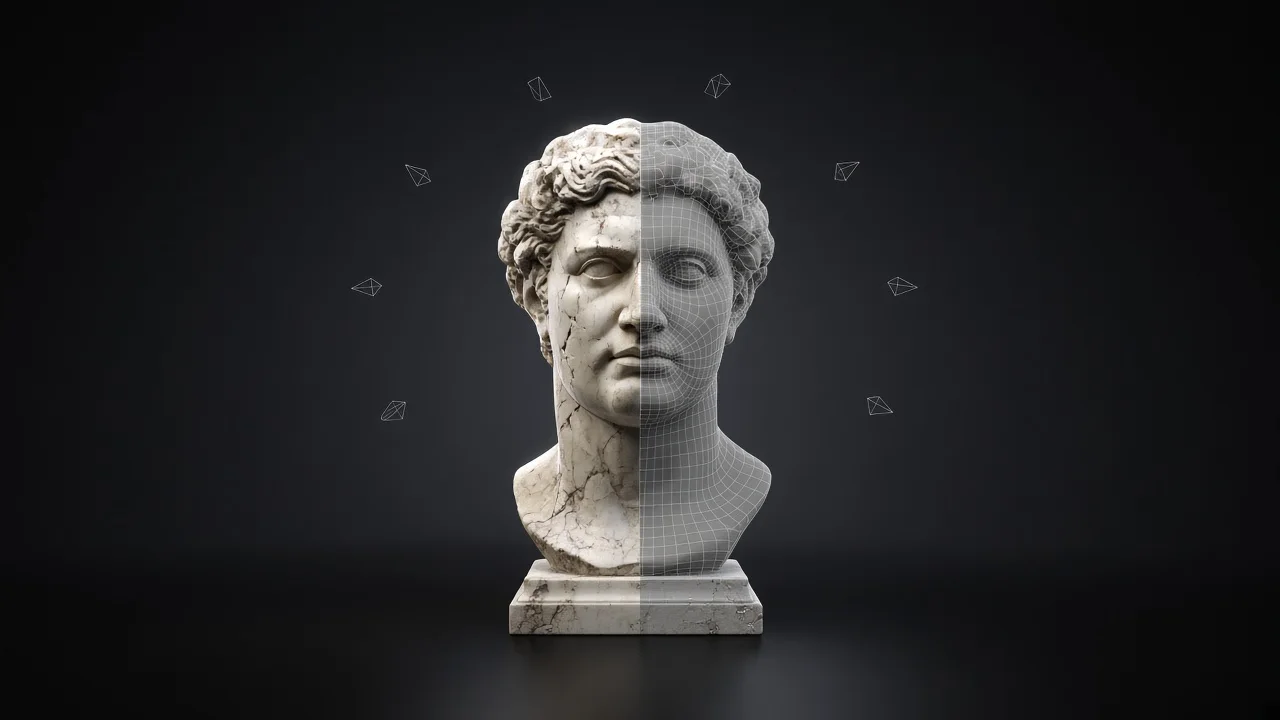
Do you need photogrammetry software at all?
Ask one question first: can you walk round the object? Photogrammetry only measures what the camera saw, so it needs the piece in your hands, a free afternoon and a clear space. Epic's RealityScan guide puts it plainly: what is not visible in multiple images won't show up in the model.
If the piece sits in a supplier's warehouse, or you have a whole catalogue of product shots, the photo count you can reach is one. That is the case one-photo AI exists for. The step-by-step version of that route, from picking the photo to checking the files, is in how to turn a photo into a 3D model.
How does photogrammetry software work?
The software finds the same points across overlapping photos, works out where each camera stood, then builds a mesh and paints it with texture taken from the photos. Every tool follows the same capture rules, because they all match points between images.
- Pick a static object. Apple's Object Capture guide warns against soft or bendable pieces that change shape when moved, and against objects that are very thin, reflective, transparent or a single smooth colour.
- Light it softly. Apple lists on-camera flash, direct sun and bare bulbs as problems; Meshroom's manual says not to use flash at all. An overcast day works.
- Lock the camera. Keep zoom, aperture, shutter speed and ISO fixed. On an iPhone, long-press the preview until "AE/AF Lock" appears.
- Shoot with heavy overlap. Apple asks for 70% overlap or more between neighbouring shots and warns that under 50% may fail. Meshroom's manual asks for at least 60% side overlap and 80% frontal overlap.
- Circle the object at several heights. RealityScan asks for circles and arches at multiple heights, with the object filling at least half of each image.
- Get the base. Apple suggests a turntable and standing the object on different sides, so the model has no gaps underneath.
- Mask the background, then process. RealityScan's mobile app starts analysing after 20 images and stops at 300.
Take a teak side table: three rings in soft light, then a set of the underside with the table on its side. The grain gives the software plenty to match, which is why wood scans well.
Which photogrammetry software should you pick?
The tools differ less in method than in where they run and how they are licensed. Prices below are as listed in November 2026.
| Tool | Runs on | Price and licence | Photo limits and notes |
|---|---|---|---|
| RealityScan (Epic) | Desktop app, plus a free mobile app | Free under $1 million revenue in the past 12 months; $1,250 per seat per year above that | Mobile app analyses after 20 images, limit 300 |
| Agisoft Metashape | Windows, macOS, Linux | Standard $179, Professional $3,499, perpetual; 30-day free trial | Standard covers model generation and texturing |
| Meshroom (AliceVision) | Windows, Linux | Open source, MPL-2.0 | GPU-accelerated; manual asks for 60% side and 80% frontal overlap |
| Polycam | iPhone and Android app | Free with 10 photogrammetry captures; Basic $150 a year or $30 a month | 150 images per capture on Free, 300 on Basic |
| 3DF Zephyr | Desktop | Free up to 50 photos; Lite €199 + VAT perpetual; full version €250 + VAT a month or €4,200 + VAT perpetual | Free exports textured meshes with JPG texture only |
Sources: RealityScan licence, RealityScan home, RealityScan mobile guide, Metashape store and installers, AliceVision and the Meshroom capture manual, Polycam pricing, 3DF Zephyr. All read on 11 November 2026.
Our short version. Meshroom costs nothing and suits someone happy to learn a node-based desktop app on a Windows or Linux machine with a GPU. RealityScan is free for most small shops and covers both a phone and a desktop. Metashape has installers for Windows, macOS and Linux, and a 30-day trial to test it on your own pieces.
Polycam is the gentlest start if you want to scan from your phone, and its paid plans export GLTF, OBJ, FBX, DAE and USDZ. Zephyr Free is a fair way to test a small object, as long as it fits in 50 photos.
How does one-photo AI differ?
Image-to-3D starts from a single photo and predicts the sides the camera did not see. It does not match points between photos, so it does not need overlap, rings or a turntable. It needs one sharp, evenly lit shot of the whole object on a plain background.
easyrender works this way in two stages. It first draws a free angle sheet: nine views of the object, eight round it in 45-degree steps and one from above. You check that sheet, and you only spend credits when it looks right.
The build then reads those nine views and makes one textured model, downloaded as GLB and USDZ. A model costs 64 credits, which is $0.64, and the pricing page lists the packs. Upload a photo to see the angle sheet for free.
What are you trying to get, and how do you measure it?
Set the goal before you pick the tool. Each goal below comes with a check you can run yourself.
- A true record of a surface, such as worn leather or oak grain. Zoom the texture to full screen next to the real piece. Photogrammetry copies the surface from the photos, so this is where it earns its setup time.
- A complete object with no holes. Spin the model and stop at the base, the back of the legs and any deep recess. Each hole is a part the photos missed.
- A model for every product in a catalogue. Time one piece from setup to finished file, then multiply by the catalogue before you commit to a method.
- A model of a product you cannot touch. Photogrammetry cannot start. Judge an image-to-3D result by counting legs, doors and handles in every view.
- A known cost per model. For a licence, divide the price by the models you will make in its term. For credits, read the price per model on the pricing page.
What goes wrong with photogrammetry, and how do you fix it?
Most failed scans trace back to the capture, not the software. This is the list to check a bad result against, from symptom to fix.
| Symptom | Cause | Fix |
|---|---|---|
| Holes in a plain white table top | A single smooth colour gives the software nothing to match | Shoot with light raking across it, or use another method for that piece |
| Processing fails or the model is a mess | Under 50% overlap between neighbouring shots | Reshoot with 70% or more, smaller steps between photos |
| The base is missing or fused to the floor | The underside was never photographed | Shoot a second set with the piece on its side, or use a turntable |
| Chrome handles or a mirror come out lumpy | Reflections change between photos | Avoid reflective pieces, or accept those parts and model them separately |
| Blurred patches and misaligned texture | Zoom, exposure or focus changed mid-shoot | Lock AE/AF, keep one focal length, and drop shaky frames |
| Dark blotches baked into the texture | Hard shadows from flash or direct sun | Diffuse the light, or shoot on an overcast day |
| Chunks of the room stuck to the object | A busy background in frame | Use a plain background and mask the background in each image |
| The free version stops importing photos | 3DF Zephyr Free caps a project at 50 photos | Cut to the best 50, or move to a version without a photo cap |
What we would use, case by case
Here is how we would choose, with our own product in the mix.
A piece in your stockroom with a textured surface, such as a carved oak chest, and an hour to spare: photogrammetry. It records the surface as it is, and RealityScan or Meshroom costs nothing to try.
A supplier photo of a sideboard you have never seen in person: one-photo AI. There is nothing to scan, and you can judge the free angle sheet before spending anything.
A whole catalogue of product shots and no studio: one-photo AI, run in bulk from your library or through an agent. A scan per product means a shoot per product.
A glass vase or a polished steel lamp: neither method handles mirror-like surfaces well. Photogrammetry docs say to avoid them, so plan on a 3D artist for that one.
FAQ
Meshroom is open source under MPL-2.0 and runs on Windows and Linux. RealityScan is free for individuals and businesses under $1 million in revenue over the past 12 months. Polycam's free plan includes 10 photogrammetry captures, and 3DF Zephyr Free handles up to 50 photos. The right one depends on your computer and whether you shoot with a phone.
The tools set the floor through overlap rather than a fixed count. Apple asks for 70% overlap between neighbouring shots, Meshroom for 60% side and 80% frontal. RealityScan's mobile app starts analysing after 20 images and takes up to 300. Complex objects with recesses need more, because each recess has to appear in several photos.
They solve different problems. Photogrammetry reconstructs the object from many real photos, so it needs the object in hand. Image-to-3D works from one photo of a piece you may never touch. If you can scan it and the surface matters, scan it. If all you have is a photo, image-to-3D is the one that can start.
Not reliably. Apple's guide says to avoid highly reflective, transparent or translucent objects, and Meshroom's manual says to avoid reflections and transparent objects. Apple suggests drawing or painting on a surface to give it texture, which you would not do to stock you sell. For those pieces, a 3D artist working from photos is the safer route.