9 min read
What is a GLB file? How to open, check and use one
A GLB file is a 3D model in binary glTF 2.0: what is inside it, how to open it on any device, how to make it smaller, and where it is used.
By Jorge Rodríguez
On this page
A GLB file is a 3D model saved in the binary version of glTF 2.0, an open format from the Khronos Group. One .glb file holds the shape, materials, textures and any animation, so it loads on the web without extra files. It is the usual format for 3D on product pages and for AR on Android.
What is inside a GLB file?
A glTF model can come as a .gltf text file plus separate texture images and a .bin file for the geometry. A GLB packs all of that into one binary file, which is easier to upload, email and host. The glTF 2.0 specification defines both.
The layout is simple. A 12-byte header holds the word glTF, the version number 2 and the total length of the file. Then come two chunks: a JSON chunk that describes the scene, and a binary chunk with the geometry and the images.
We check those three header fields on every model we deliver. A file that does not start with glTF, is not version 2, or whose stated length differs from its real length is rejected as broken before anyone downloads it, and so is anything under 20,000 bytes.
BIN chunk: the binary data
- JSON chunk 1.4 KBScene, mesh, material: the description
- Triangles 85 KBWhich vertices form each face
- Vertices 164 KBPositions and texture coordinates
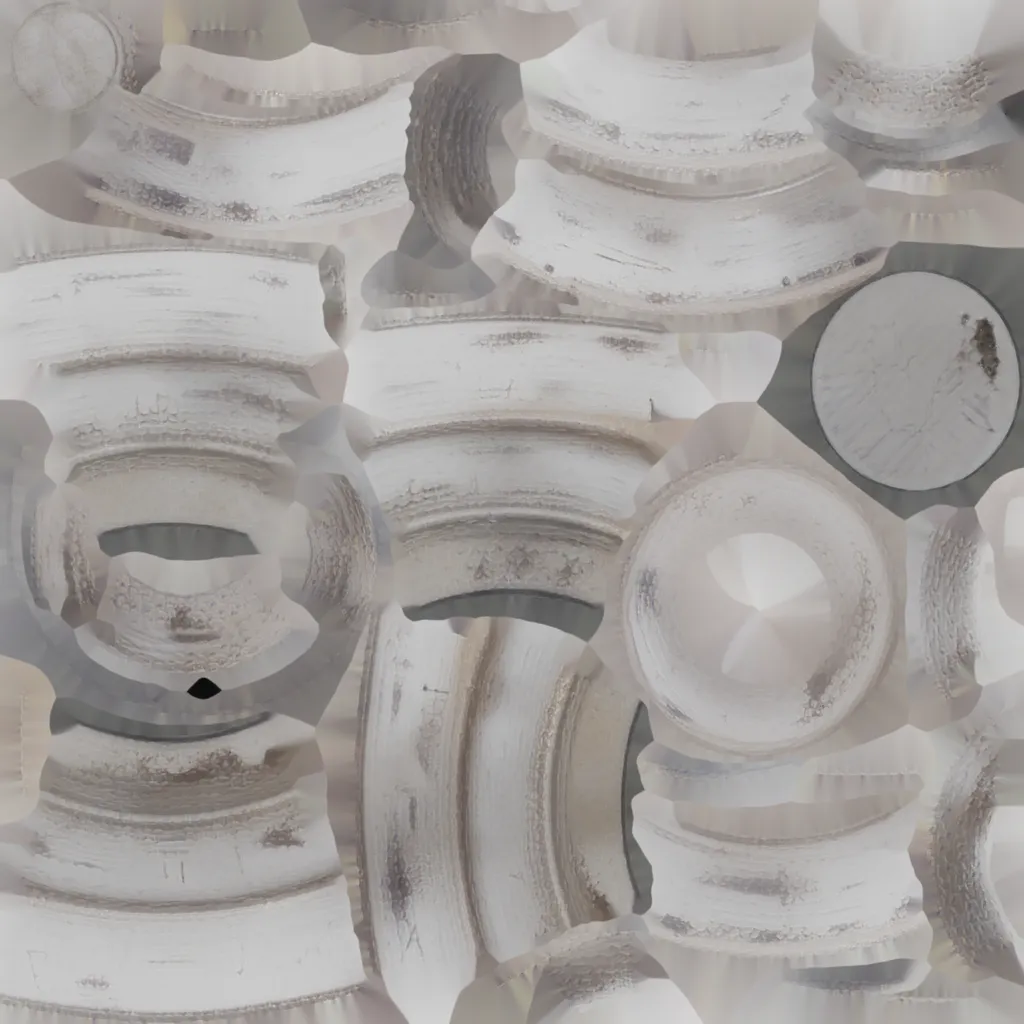
- Texture 50 KBOne 1024 px WebP image
The same model as glTF
Three files that only work while they stay together.
The numbers in that diagram add up exactly, and the arithmetic is worth knowing. The vase has 14,590 triangles, and each one names its three corners with 2 bytes apiece: 87,540 bytes of indices. Its 8,406 vertices each store a position and a texture coordinate in 20 bytes: 168,120 bytes.
How big are real GLB files, and where do the bytes go?
We read every model on our showcase the same way. All six are one mesh with one material and a 1024-pixel WebP colour texture, packed for the web. The bouclé armchair, swivel chair, stoneware vase and two tables also have 512-pixel roughness and metallic maps to describe their different surface finishes.
| Model | File size (bytes) | Triangles | Texture (bytes) | Share that is geometry |
|---|---|---|---|---|
| Clay vase | 308,448 | 14,590 | 51,354 | 83% |
| Stoneware vase | 400,792 | 16,708 | 116,214 | 71% |
| Round coffee table | 326,872 | 16,228 | 38,038 | 88% |
| Swivel armchair | 680,936 | 24,268 | 218,394 | 68% |
| Bouclé armchair | 622,804 | 25,879 | 142,236 | 77% |
| Bedside table | 1,302,804 | 69,910 | 55,770 | 96% |
The usual advice is that textures are the heavy part of a GLB. That is true for a file with 4096-pixel PNGs. Once the texture is a 1024-pixel WebP, as here, the uncompressed geometry is 68% to 96% of every file, and the triangle count decides the size.
What do the materials in a GLB describe?
Materials follow the PBR metallic-roughness model. PBR, physically based rendering, describes a surface by its base colour, how metallic it is and how rough it is. That is why the same GLB looks much the same in every viewer that follows the standard.
Every value a material leaves out falls back to a default in the spec, and one of them catches people out. An unset metallic value means 1, fully metallic, so a material that sets only a base colour is drawn as rough metal. Clay, wood and fabric can then look darker or tinted.
The check is one setting: Metallic at 0 on the material in Blender, then export again. We would make that check on any GLB before it goes on a product page, whoever made it.
Why can a GLB look faceted?
Vertex normals are the per-corner directions a viewer uses to shade a curved surface smoothly. They are optional in glTF, so a file can hold positions and texture coordinates only.
The spec covers that case: when normals are not given, viewers must calculate flat ones. On a dense mesh the facets are small, but under a low side light a curved surface can show faint flat panels.
Normals cost 12 bytes per vertex, three numbers of 4 bytes each, so a mesh of 8,000 vertices carries about 96,000 bytes of them. In Blender, Shade Smooth and an export with Normals ticked writes smooth ones. gltf-transform inspect shows whether a file has a NORMAL attribute.
How do you open a GLB file?
You need a viewer, not a converter. These open GLB files without extra setup:
- In a browser: drag the file into the Babylon.js Sandbox or the model-viewer editor.
- In Blender: File, Import, glTF 2.0 (.glb/.gltf).
- In code: three.js and Babylon.js load GLB directly, and Unity reads it through the glTFast package.
- On Android: Google's Scene Viewer opens a GLB linked from a web page, in 3D or in AR.
iPhones and iPads do not open GLB files in AR Quick Look. Apple's AR uses USDZ, so stores that want AR on both systems keep both files.
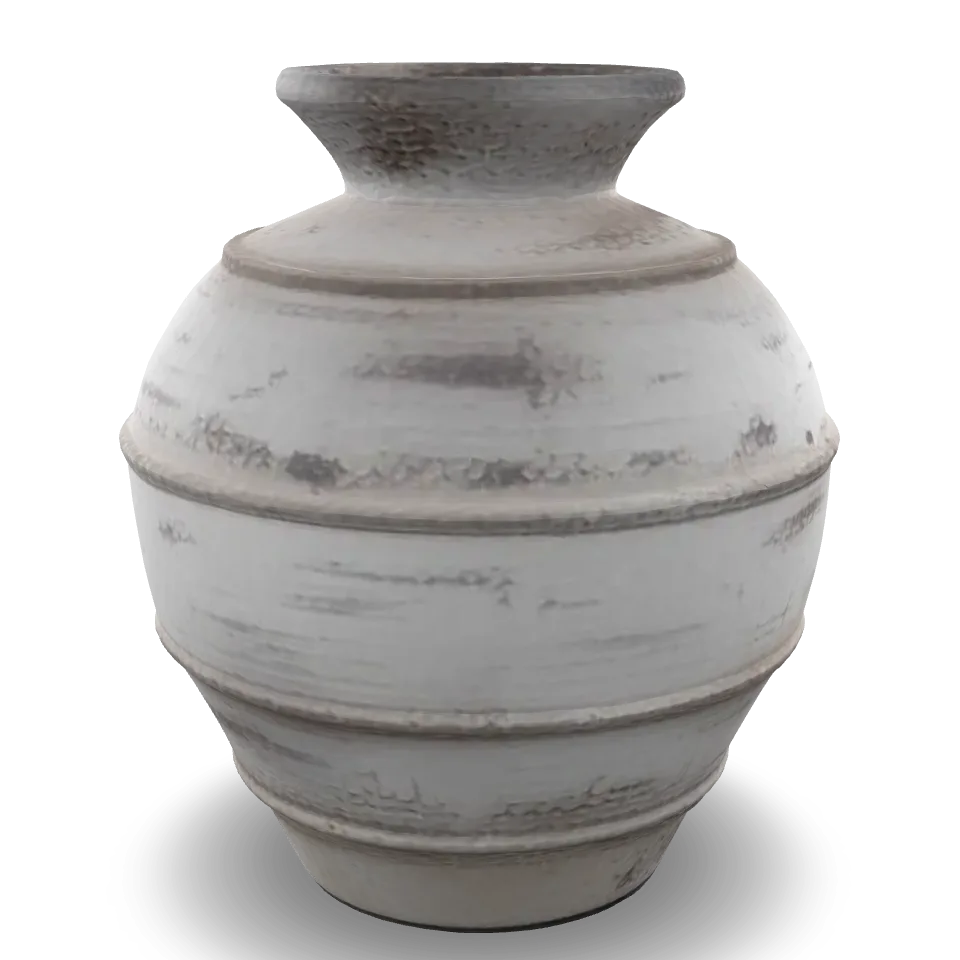
Once it is open, spin it slowly. Look underneath, behind, and close up at fine details such as handles and stitching.
To see what is inside without a viewer, run gltf-transform inspect from glTF Transform on the file. It lists every mesh, texture and extension, with vertex counts and sizes, so you can check a file against the table above.
What is a GLB file used for?
On product pages, Shopify accepts GLB files as product media. On a site you build yourself, Google's open-source model-viewer component shows a GLB with a short snippet of code, with rotate and zoom built in.
Outside ecommerce, GLB is common in web 3D, games and AR apps, because it is compact, open and read by most 3D software. Blender exports it, and so do most scanning and AI tools.
For AR on Android the file has to fit Scene Viewer's budget: it recommends at most 10 MB, 100,000 triangles and 2048-pixel textures. Every file in the table above is inside it.
How do you reduce GLB file size?
To see what each command does, we ran them on a copy of the bedside table, the model with the most triangles in the table above, with glTF Transform 4.5. The triangle count stays the same unless you simplify.
| Version of the bedside table | Size (bytes) | Triangles |
|---|---|---|
| As shown on this site | 1,287,432 | 69,910 |
Geometry compressed with Meshopt (gltf-transform meshopt) | 422,480 | 69,910 |
Geometry compressed with Draco (gltf-transform draco) | 235,776 | 69,910 |
Simplified to half the triangles (gltf-transform simplify --ratio 0.5) | 710,072 | 34,954 |
Draco gave the smallest file, 82% lighter. Meshopt took 67% off, and on the clay vase it took the file from 308,448 to 135,740 bytes. Simplifying alone saved less than either, because the remaining triangles were still stored uncompressed.
Smaller is not free. A viewer has to support the compression: model-viewer and three.js can decode both, but Scene Viewer's documentation lists neither extension. Check a compressed file in every viewer it will meet before it goes on a page.
Our verdict by destination:
- Your own site with model-viewer: Meshopt or Draco on the geometry and WebP textures, then check the edges for rounding.
- Android AR through Scene Viewer: a plain GLB with JPEG or PNG textures at 2048 pixels or less, simplified only if it is over 100,000 triangles.
- Shopify: upload the uncompressed file, since Shopify optimises anything over 15 MB itself.
How do you get a GLB from Blender, a scan or a photo?
In Blender, use File, Export, glTF 2.0 and set the format to glTF Binary (.glb), so the textures travel inside the file. Tick Normals and UVs under Mesh, and pick JPEG for images unless the model needs transparency. Scanning apps and AI tools usually offer GLB as a download.
The routes to a model in the first place, from modelling to a single photo, are compared in how to make a 3D model. For a store catalogue, 3D for ecommerce covers which route suits which product.
easyrender, for example, gives you a GLB and a USDZ for every finished model it makes from one photo, following the steps in how to turn a photo into a 3D model. The model keeps shape and materials, not measurements.
GLB to USDZ: do you need both?
For AR on iPhone and iPad, yes. Apple's Reality Converter, a free Mac app, turns a GLB into a USDZ, and recent versions of Blender export USDZ directly. What a USDZ file is covers the Apple side, including why a USDZ can come out larger than the GLB it is made from.
| File | What is inside | Opens on | Use it for |
|---|---|---|---|
| GLB | One binary file: geometry, materials and textures | Browsers, Blender, Android Scene Viewer | Product pages, web 3D, AR on Android |
| glTF | A JSON .gltf file, a .bin file and separate texture images | The same viewers, if the files stay together | Editing and inspecting, since the JSON is readable |
| USDZ | An uncompressed zip of USD layers and their images | iPhone, iPad and Mac Quick Look | AR on Apple devices |
What goes wrong with a GLB, and how do you fix it?
Most GLB problems come from one of a few causes. This is the list we work through, from what you see to what to change.
| Symptom | Cause | Fix |
|---|---|---|
| The model is plain grey | A .gltf saved without its texture files, or an export with images off | Export again as binary .glb, so the textures are embedded |
| The file is tens of megabytes | 4096-pixel textures, or many of them | Resize textures to 2048 or 1024 and compress the geometry |
| Curved surfaces look faceted | No vertex normals, so viewers draw flat ones | Shade Smooth in Blender and export with normals |
| Clay or fabric looks dark or tinted | Metallic left unset, so the default of fully metallic applies | Set Metallic to 0 and export again |
| Black patches, or parts seen from inside | Faces pointing the wrong way | In Blender, recalculate normals to point outside |
| It opens in one viewer and fails in another | A glTF extension the second viewer does not support, such as Draco or WebP textures | Export a plain version for that viewer |
| An upload says the file is not valid | A download cut short, so the stated length does not match | Download it again and compare the file size |
What does a GLB file not tell you?
glTF measures in metres, but a model is only the right size if whoever made it set the size right. A model generated from a photo has no measured size, so keep dimensions in the product text.
A GLB also says nothing about how good the model is. A file can pass the glTF Validator and still have a melted chair leg or a blurry texture, which only a look in a viewer will catch.
FAQ
They are the same format in two packages. glTF can be a .gltf text file with separate texture and geometry files beside it. GLB is the binary version that packs everything into one file. Both follow the glTF 2.0 standard from the Khronos Group, and most tools that read one also read the other.
Not natively in AR Quick Look, which uses USDZ. You can view a GLB in a browser on the iPhone through a web viewer such as the Babylon.js Sandbox. For AR on Apple devices, convert the GLB to USDZ with Apple's Reality Converter on a Mac, or ask your tool for both files.
Open it in Blender, which imports GLB and exports FBX, OBJ, USD and USDZ, among others. Each conversion can lose information: OBJ, for example, has no metallic-roughness materials, so a brass handle may look flat afterwards. Check the converted file in a viewer before you use it anywhere a customer will see it.
Usually large textures, or uncompressed geometry once the textures are small. In our tests, Draco compression took a 69,910-triangle model from 1,287,432 bytes to 235,776. Resize textures to 2048 or 1024 pixels, compress the geometry with glTF Transform, then check in a viewer that the surfaces still look right.
Usually the textures were never exported: a .gltf model repackaged without its texture files, or a tool that exports geometry only, gives a plain grey shape. Re-export as binary .glb so the textures are embedded. If it looks right in the Babylon.js Sandbox but not in one app, that app is the problem.