10 min read
3D for ecommerce: how stores get 3D models
3D for ecommerce: what a 3D product model adds, which files a store needs (GLB and USDZ), four ways to get one, and the limits to know first.
By Jorge Rodríguez
On this page
3D for ecommerce means giving a product a 3D model, usually a GLB or USDZ file, that shoppers can spin on screen and, on a phone, place in their room with AR. Stores get these models in four ways: from a 3D artist, from the manufacturer's CAD files, by scanning the product, or with AI from a single photo.
What does a 3D model add to a product page?
A photo shows the view you chose. A 3D model lets the shopper choose: the back of a bookcase, the underside of a coffee table, how thick the cushion on a lounge chair really is.
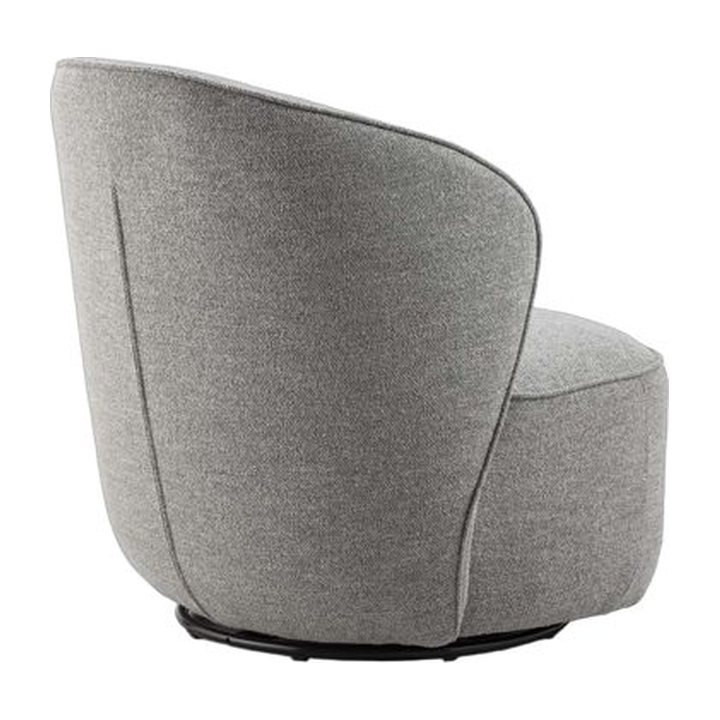
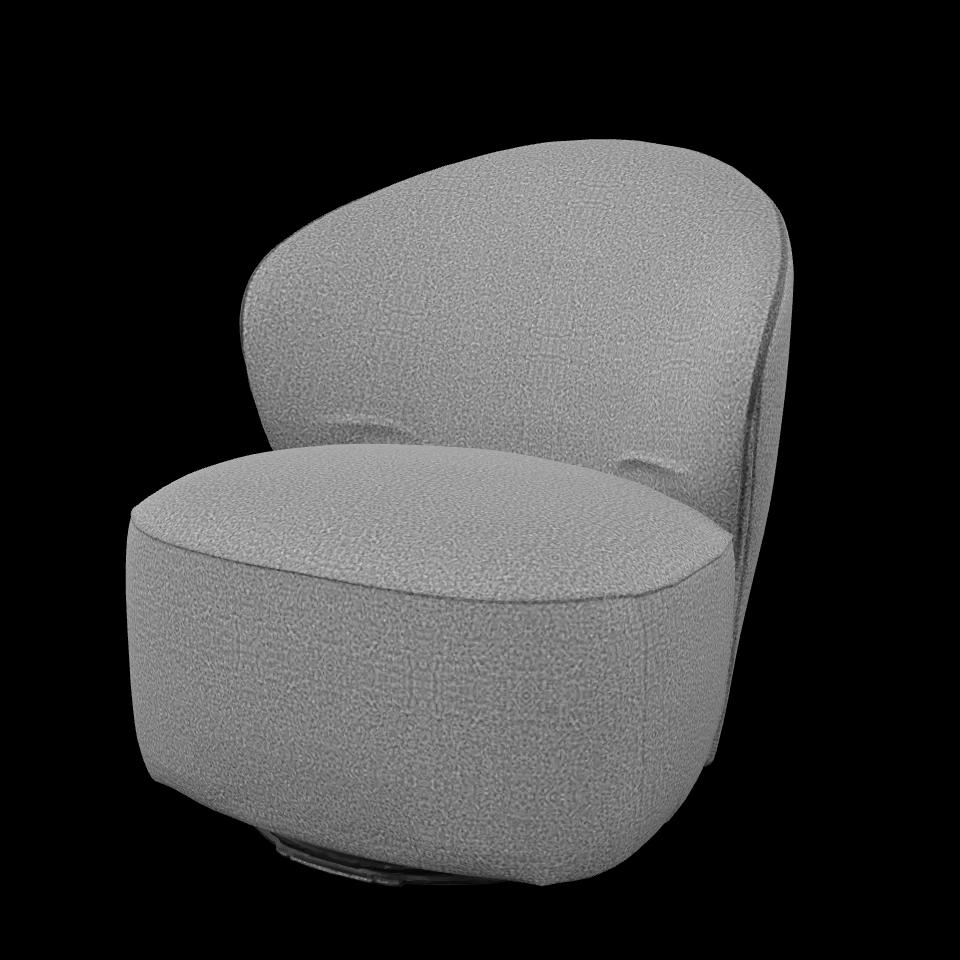
On iPhone and iPad, a USDZ file opens in AR Quick Look and places the object in the room through the camera. On Android, Google's Scene Viewer does the same with a GLB.
AR shows how a piece looks in a room. Its size comes from the file, not from a measurement: Scene Viewer reads one unit in the file as one metre, and a model generated from a photo opens at whatever size its file happens to say. So the dimensions belong in your product text.
How do you measure whether 3D is worth it?
Decide what you want 3D to change before you pay for a model. For most furniture shops it is one of three things: fewer pre-sale questions about the back and the depth, more add-to-carts on the pages that get a model, and fewer returns where the reason is how the piece looked.
We do not publish conversion or return figures for 3D, because we have not measured any we can stand behind. Treat any figure you read as a claim to test on your own catalogue, with a method like this one.
Pick five to ten products that get a model and a matched group of similar products that do not. Keep prices, photos and text unchanged on both for four to six weeks. Then compare add-to-cart per product view between the two groups, and read the return reasons.
On your own site, model-viewer fires events you can send to your analytics. A camera-change event whose source is user-interaction means the shopper turned the model. An ar-status event reports an AR session starting or failing, and quick-look-button-tapped fires when an iPhone hands over to Quick Look.
Which files does a store need for 3D?
GLB for the web and Android, USDZ for AR on Apple devices. Most platforms that support 3D take one or both.
In a viewer such as model-viewer
Google Scene Viewer
Apple AR Quick Look
Shopify takes both files as product media.
Shopify 3D models
Shopify accepts 3D models as product media, in GLB or USDZ, up to 500 MB, in the same place you add photos. A file over 15 MB has its geometry and textures optimised on upload. Shopify converts every model so that both a GLB and a USDZ version exist.
WooCommerce and custom sites
WooCommerce stores add 3D through extensions, such as Arty 3D Viewer in the WooCommerce marketplace. On a site you build yourself, Google's open-source model-viewer component shows a GLB, and ar-modes="webxr scene-viewer quick-look" hands each phone its own AR viewer.
What file budget should a product model have?
Shopify takes big files, but a shopper's phone does not want them. Scene Viewer publishes the clearest budget we know of, so we hold our own files against it.
| Budget | Scene Viewer recommends | The six models on our showcase |
|---|---|---|
| Triangles | Up to 100,000, ideally 30,000 to 50,000 | 14,590 to 69,910 |
| Texture | At most 2048 x 2048 | One 1024 x 1024 texture each |
| Materials | Up to 10 | One each |
| File size | 10 MB; bigger models may give a poor experience | 308,448 to 1,287,432 bytes |
Scene Viewer also lists the glTF extensions it supports. A file that relies on one outside that list, such as WebP textures, may not open, so a GLB meant for Android AR is safest with PNG or JPEG textures. Open it on a real Android phone before you link it from a product page.
Ways to create 3D product models
There are four. We judge them on four criteria: whether you need the product in hand, how much of your own time it takes, how true the hidden sides are, and where it fails.
Hire a 3D artist
An artist builds the model from your photos, drawings and measurements. It needs no product in hand, costs the most time to brief and wait for, and gives the truest result, because nothing is guessed. Quotes on Fiverr or Upwork vary with the complexity of the piece.
Verdict: the right route when the model must be exact, such as a sofa sold in three widths, or for one hero product in a campaign.
Use the manufacturer's CAD files
If you sell your own designs, the factory may already have CAD or SketchUp files. They are exact in shape, but rarely ready for the web: they usually need real textures and far fewer triangles before they load well on a phone.
Verdict: worth asking for first if you own the designs. Budget for the clean-up, since a factory file can carry far more detail than Scene Viewer's 100,000 triangles.
Scan the product
Photogrammetry apps like Polycam and RealityScan build a model from many overlapping photos. RealityScan starts processing after 20 images and takes up to 300. You need the piece in hand and room to walk all the way round it.
Verdict: the best route for textured pieces you have in your stockroom, such as a rattan chair or an oak sideboard. It fails on glass, mirrors and polished metal.
Generate it from one photo with AI
Image-to-3D tools such as Meshy, Tripo and easyrender start from a single picture. It is the only route when you have a supplier photo and no access to the item. The photo only shows one side, so you check the back in the preview before you keep the model.
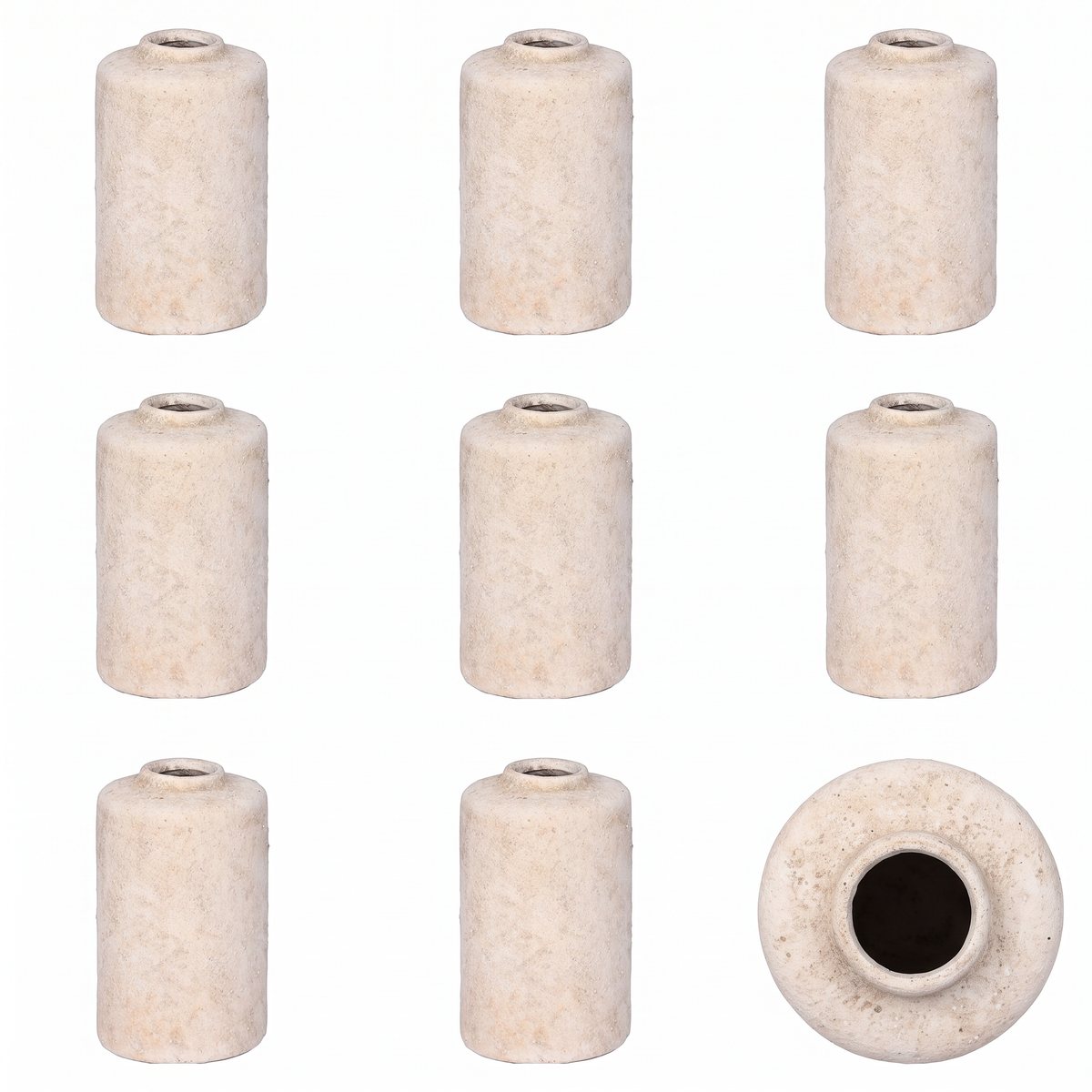
Verdict: the route for a catalogue built from supplier photos. Fine logos, open weaves and a side the photo never showed are harder to read from one picture. Each route, with what it needs and where it fails, is in how to make a 3D model.
Hiring someone versus starting from a photo is in hire a 3D modeler or use AI. A closer look at two of the tools is in Meshy and Tripo.
3D models for furniture stores: where to start
Rank your products before you make a single model. Score each one on four questions: does the back or the depth matter, is the price high enough that buyers hesitate, do people ask for more angles, and do returns mention the look?
Start with the five that score highest. That usually means an armchair, a sideboard or a floor lamp with a shaped shade. Flat items, like a framed print or a rug, gain little from 3D.
Then test routes before you commit. Run one product through two of them, for example a phone scan and an image-to-3D model of the same table lamp, and compare them on a phone. That tells you more than any feature list.
For a large catalogue, look at bulk options and pricing per model. easyrender lets you drop a set of catalogue photos into a library, check a free preview for each, and build only the ones that look right.
How do you add 3D to a store, step by step?
This is the order we would follow for a first batch:
- Pick five products with the four questions above.
- Make each model by the route that fits it.
- Check every model: the counts of legs and doors, the back, the texture at full screen.
- Bring each file into the budget: textures at 2048 pixels or less, geometry compressed if your viewer supports it.
- Upload with the platform's own tools, such as Shopify's product media.
- Open each page on one iPhone and one Android phone over mobile data, and try AR on both.
- Measure for four to six weeks as described above, then decide on the next batch.
An example: a walnut sideboard
Say a shop has three supplier photos of a walnut sideboard: front, three-quarter and a close-up of the brass handles. The three-quarter shot is the one to use for image-to-3D, because it shows depth and one end panel.
Expect the doors, legs and wood grain to read well. Check the brass handles against the close-up, since small hardware is where any method loses detail first, and look closely at the back, which the tool has never seen.
Then upload the GLB with your platform's own tools and open the page on an iPhone and an Android phone before you publish. On Shopify, the USDZ for the iPhone is made for you from the same upload.
What goes wrong when a store adds 3D?
Most problems show up only on a real phone, which is why step 6 exists. These are the ones to look for, with the fix for each.
| Symptom | Cause | Fix |
|---|---|---|
| No AR button on an Android phone | Scene Viewer loads files over HTTPS only, or the phone does not support it | Serve the GLB over HTTPS and test on a second phone |
| No AR on an iPhone from your own site | No USDZ, or it is served with the wrong content type | Add the USDZ and serve it as model/vnd.usdz+zip, the type Safari looks for |
| The piece opens huge or tiny in AR | AR uses the size stored in the file, which was never measured | Put the dimensions in the text; shoppers can pinch to resize |
| The piece floats above the floor | The bottom of the model sits above its origin | Move the origin to the base in Blender before you export |
| The page is slow on mobile data | 4096-pixel textures or uncompressed geometry | Textures at 2048 or 1024, and Draco or Meshopt compression where the viewer supports it |
| The model looks dark or dirty in AR | Shadows baked into the texture, which Scene Viewer advises against | Use a texture without baked shadows, and set Metallic to 0 if the material leaves it unset |
| The GLB fails to open in Scene Viewer | It uses a glTF extension Scene Viewer does not list, such as WebP textures | Export a plain version with PNG or JPEG textures |
What are the limits of 3D for ecommerce?
A model generated from one photo shows shape and materials, not measurements. Keep the dimensions in the product text, and do not rely on AR to tell a shopper whether a piece fits.
Transparent and reflective products, like a glass vase or a chrome lamp, are hard for every method. Fine print and small logos come out soft.
3D does not replace photos. Platforms still use still images for search results, ads and category grids, so the product photography for ecommerce basics still apply.
FAQ
Not for every product: 3D helps most where shoppers want to see depth and the back: chairs, sofas, sideboards, lamps. For flat or very simple items, good photos do the job. Start with a handful of products where buyers ask for more angles, and judge from there rather than converting the whole catalogue at once.
Two, in most cases: GLB for the web and for AR on Android, and USDZ, the format iPhones and iPads open in AR Quick Look. Shopify accepts either and converts each model so both versions exist. If a tool only gives you one, Apple's Reality Converter on a Mac or Blender can make the other.
Small enough for a phone on mobile data. Google's Scene Viewer recommends at most 10 MB, 100,000 triangles and 2048-pixel textures, with 30,000 to 50,000 triangles as the ideal. Shopify accepts files up to 500 MB and optimises any over 15 MB, but a lighter file still loads faster for the shopper.
It depends on the route. Artists quote per model by complexity, scanning apps usually charge a subscription, and AI tools charge per model or per month. On easyrender the preview is free and a finished model costs 64 credits ($0.64); credits are pay as you go, or 5,500 a month on Pro for $49.
They can see it in AR on most recent phones: iPhones and iPads use AR Quick Look with USDZ, Android uses Scene Viewer with GLB. The size is another matter. A model only appears at the real size if it was made with correct measurements, and a model generated from a photo was not.